
By Phil
When I first started chasing online income, I wasted months bouncing between ideas. I tried Etsy, blogging, and SaaS. You name it. The problem wasn’t motivation; it was bandwidth. I simply didn’t have the time to research, write, design, and post everything myself.
Then I started experimenting with AI.
Fast forward a few months, and I now run multiple small side hustles — from a print-on-demand Etsy shop to automated blog content — using a tight toolkit of AI tools that actually save me hours instead of wasting them.
Here are the five that make the biggest difference — and how you can use them too.
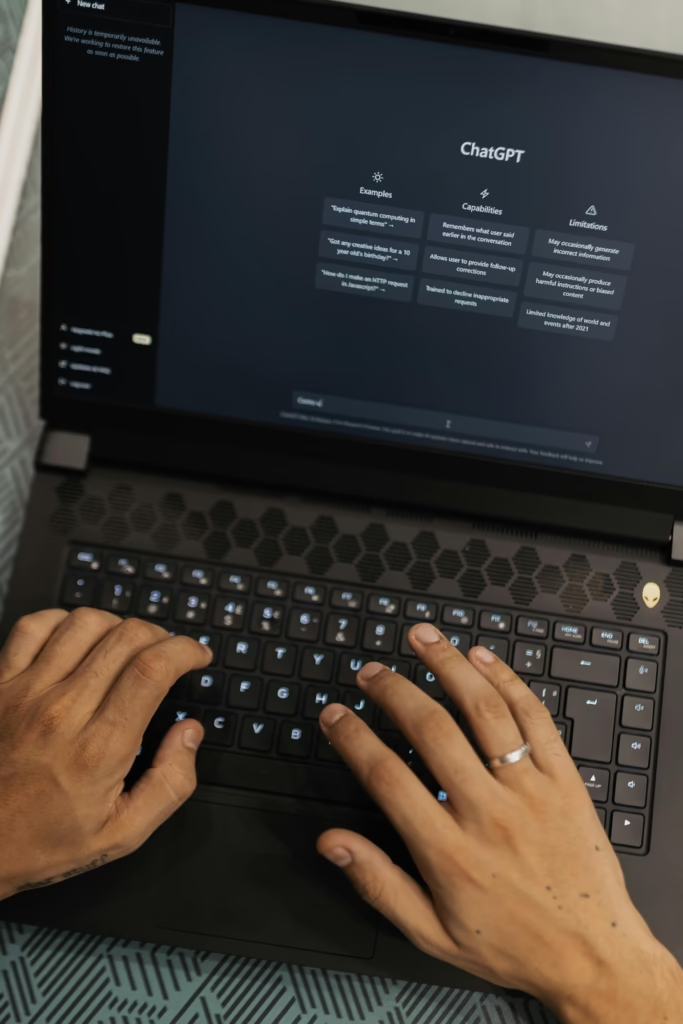
1. ChatGPT – My Daily Strategy Partner
What I use it for:
- Brainstorming product ideas and blog titles
- Writing Etsy descriptions that actually convert
- Summarizing long articles or YouTube videos
Why it works: ChatGPT is like a second brain that never gets tired. I feed it my brand tone, product links, or SEO keywords — and it gives me ready-to-edit copy in seconds.
Pro tip: Save your best prompts in a Google Doc or Notion template. Reusing great prompts is the secret to staying consistent.
2. Ideogram – For High-Quality AI Images
What I use it for:
- Creating realistic product mockups for Pinterest
- Generating background art for Etsy banners and blog thumbnails
Why it works: Ideogram nails text-to-image accuracy. Unlike some AI art tools, it handles typography decently — great for t-shirt or poster design concepts.
Pro tip: Start with short, descriptive prompts like:
“minimalist cozy home office scene, morning light, productivity mood, pastel palette, cinematic lighting.”

3. Canva Magic Studio – Design Without Overwhelm
What I use it for:
- Creating Pinterest pins and Instagram carousels
- Designing blog headers and lead magnets
- Editing product photos from my POD store
Why it works: Canva is the bridge between creativity and execution. Its AI background remover and Magic Resize features mean one design can fit every platform.
Pro tip: Save your brand kit — fonts, colors, logo — and use the “Styles” feature to apply it across everything you make.
4. n8n (Automation Tool) – Your Behind-the-Scenes Assistant
What I use it for:
- Automating blog post publishing
- Posting new Etsy products to social media automatically
- Syncing Notion databases with my content calendar
Why it works: Once set up, n8n acts like your silent worker. It doesn’t need coffee or motivation — just triggers and nodes.
Pro tip: Start with simple flows (e.g., Google Sheets → WordPress) before you try full automation chains.

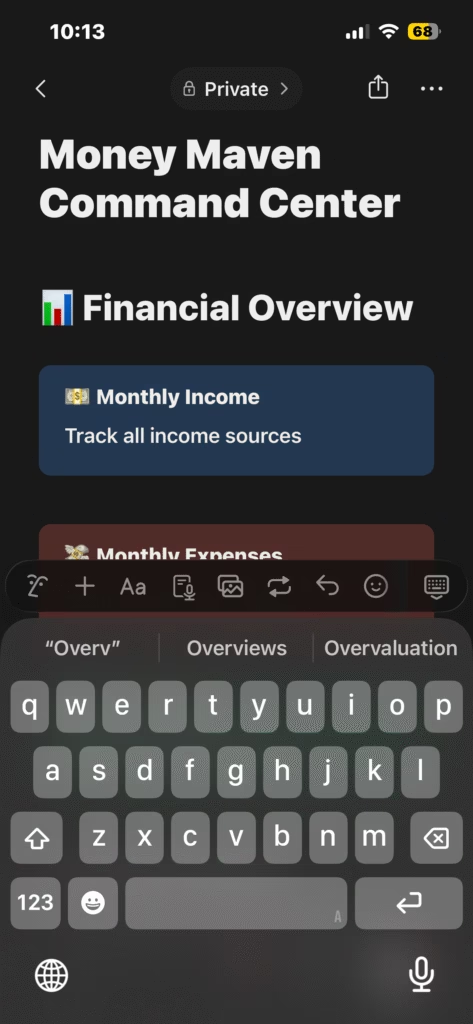
5. Notion AI – My Command Center for Everything
What I use it for:
- Storing project ideas, prompts, and templates
- Tracking Etsy analytics and blog post performance
- Generating quick summaries or task lists
Why it works: Notion + AI turns a digital notebook into a creative factory. I keep every project — blog, shop, SaaS — in one workspace.
Pro tip: Use Notion AI’s “Improve Writing” tool on your own blog posts. It’s a free polish without killing your voice.
Wrapping It Up
These five tools are the reason I’m not drowning in tabs and burnout anymore.
They let me work faster, smarter, and stay creative even on days when focus is scarce.
If you’re trying to launch or scale a side hustle, pick one area that drains your time — design, writing, scheduling, or organization — and replace it with one of these tools.
You’ll feel the difference within a week.